Built for real work
QR Code Generator 1.4.0
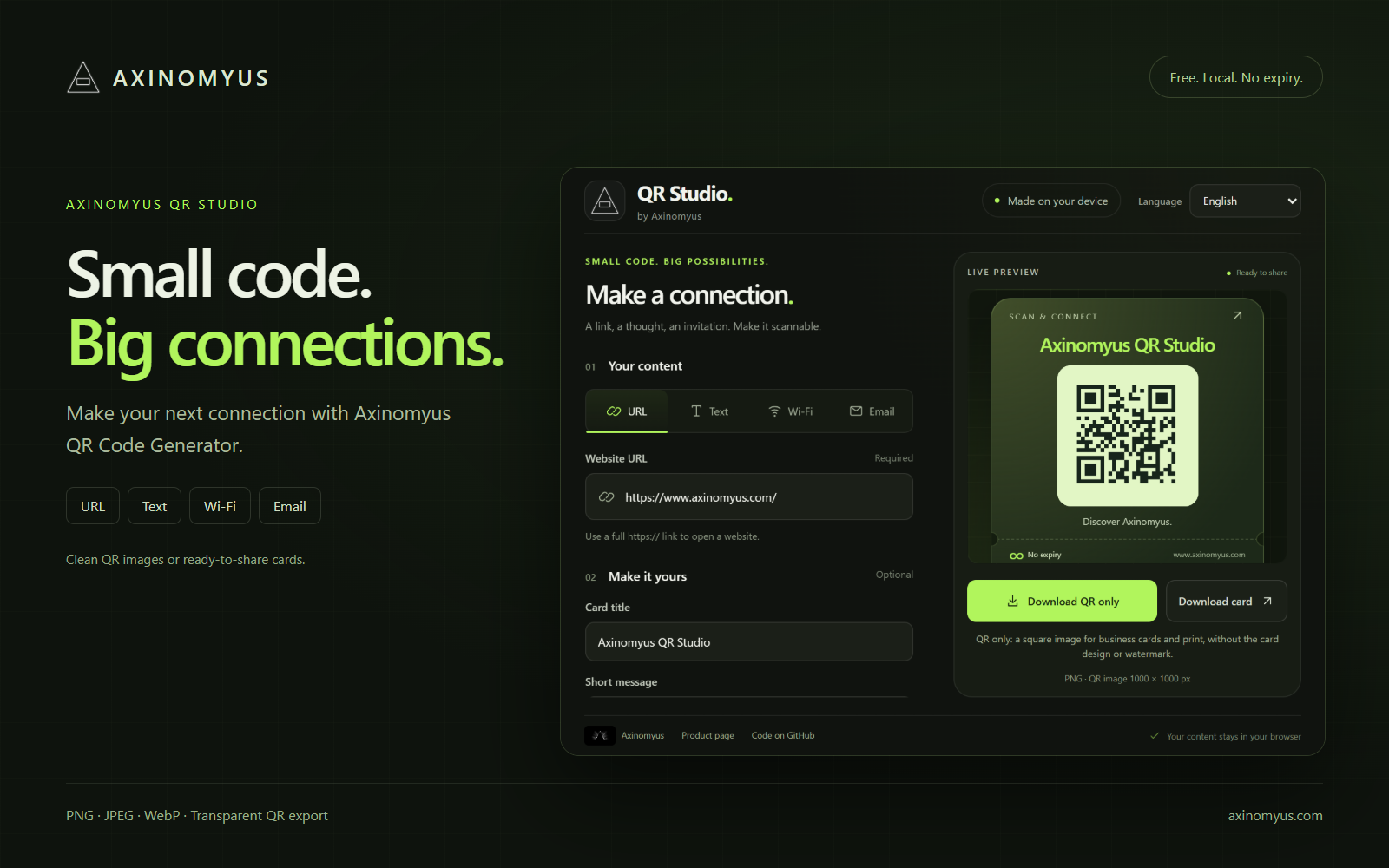
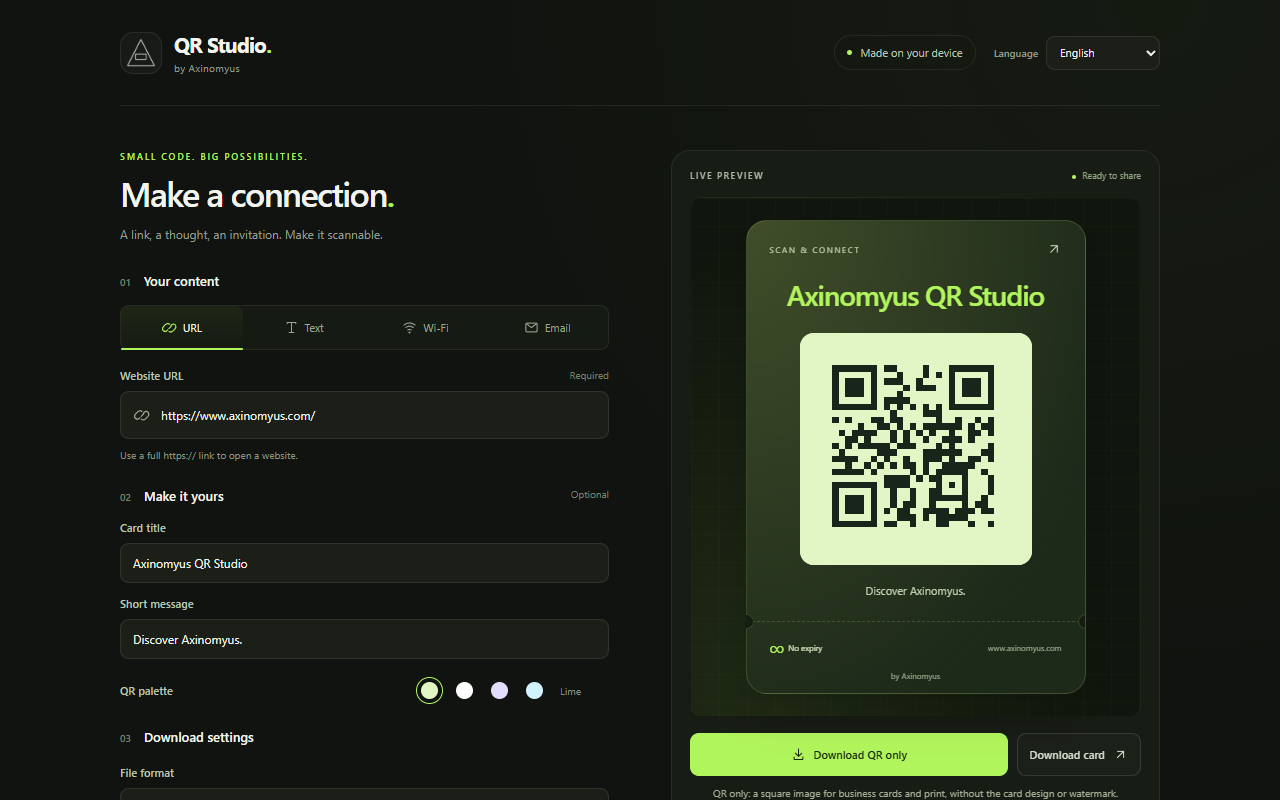
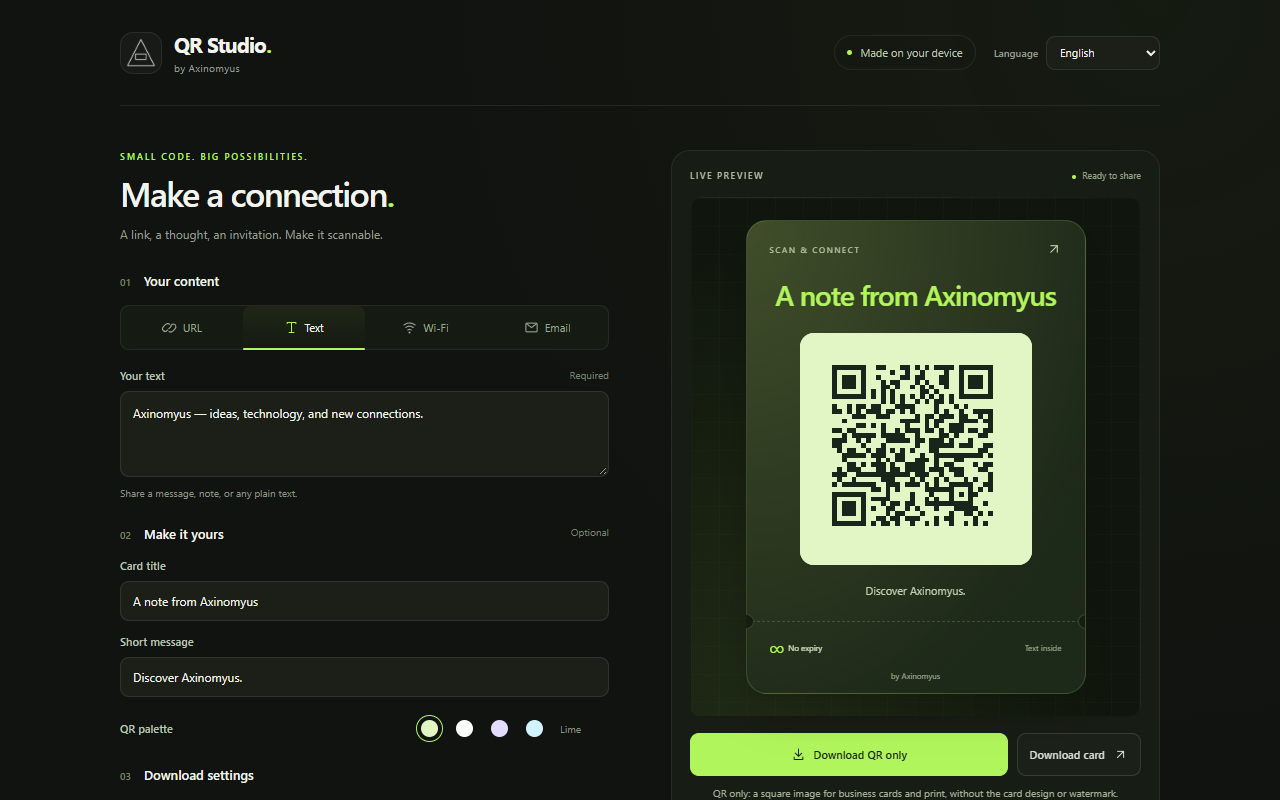
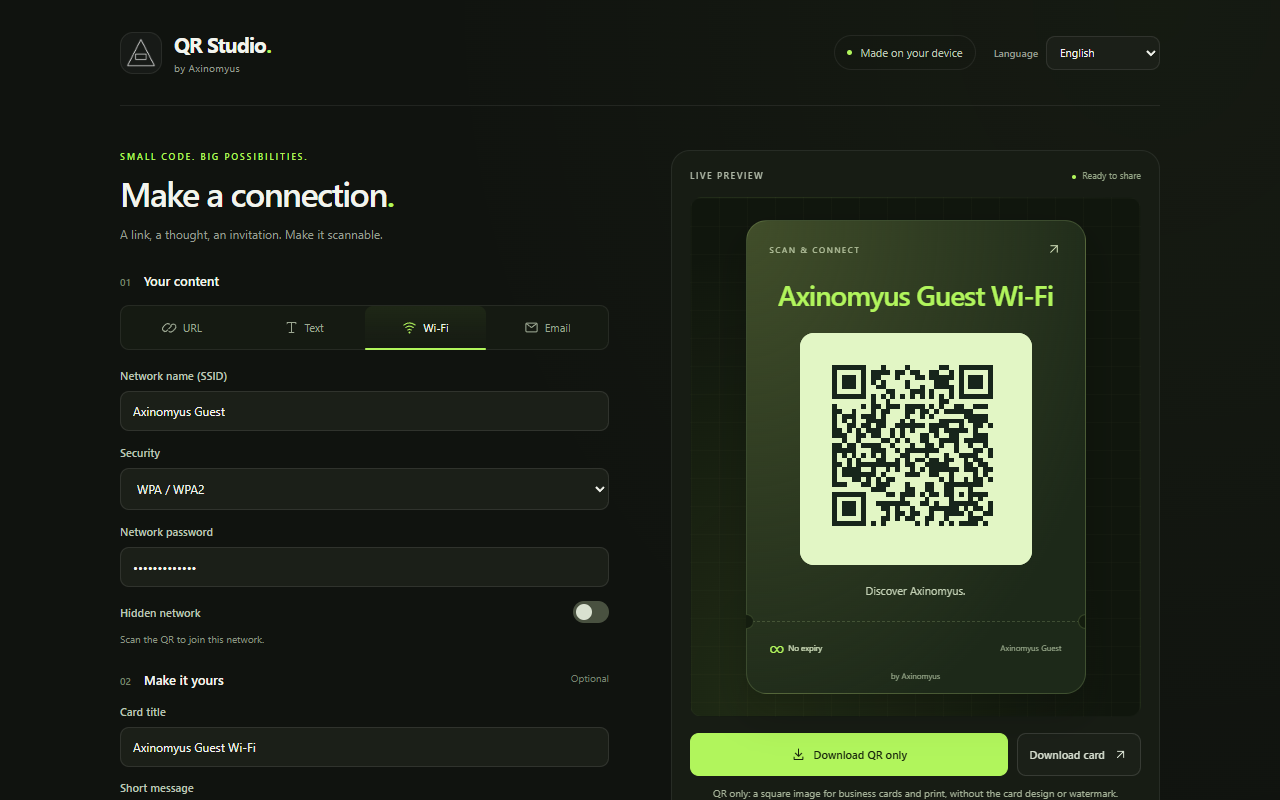
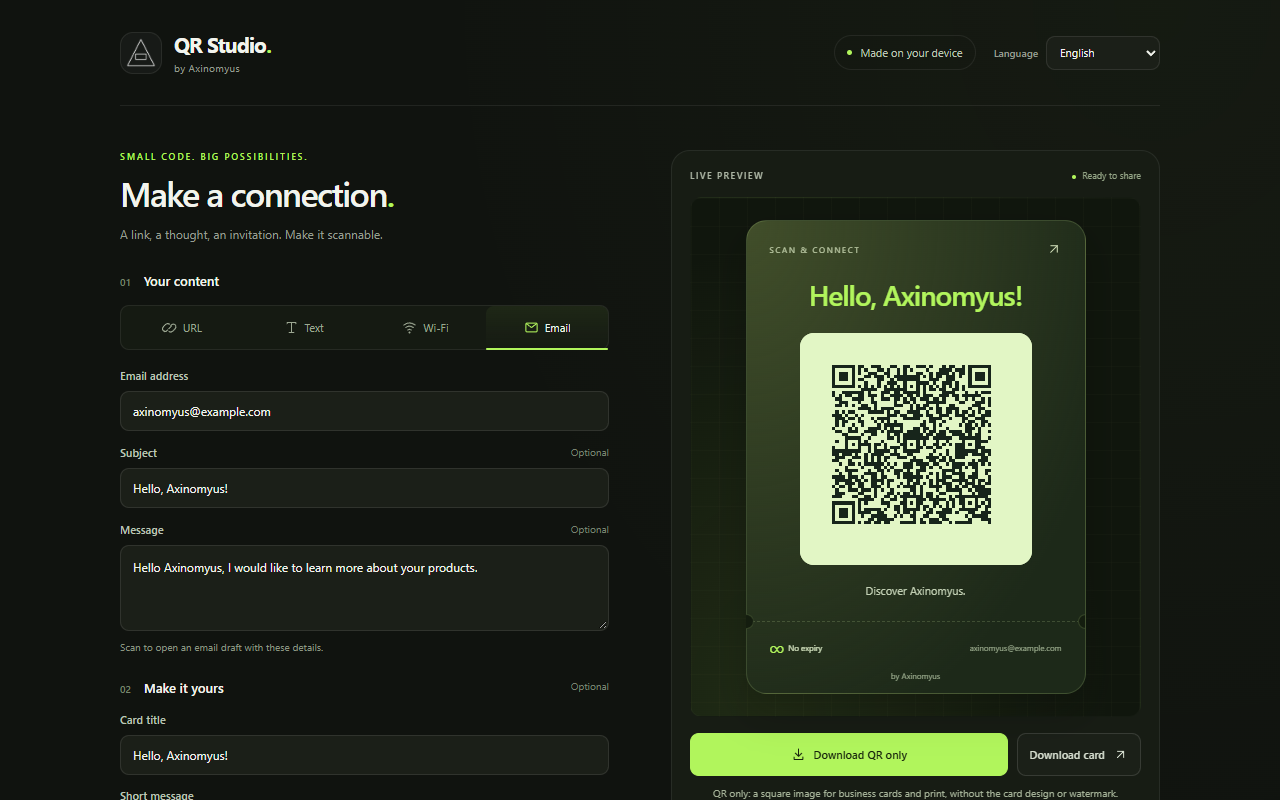
Turn links, text, Wi-Fi networks and email drafts into shareable QR codes with Axinomyus QR Code Generator. The preview updates as you type. Codes are generated in your browser, without an account or subscription.
Design your card background
- Keep the original design or choose a solid color, a two-color gradient or your own image.
- Adjust card background opacity from 0% to 100%, independently of the QR and text.
- Use a PNG, JPEG or WebP image up to 10 MB, 16 megapixels and 8192 px per side. Images are centered and cropped to fill the card.
- Finish with a title, short message and optional Axinomyus watermark.
- Balanced card proportions, a smaller default QR and readable captions and footer labels. Scroll the extension preview vertically while download controls remain visible.
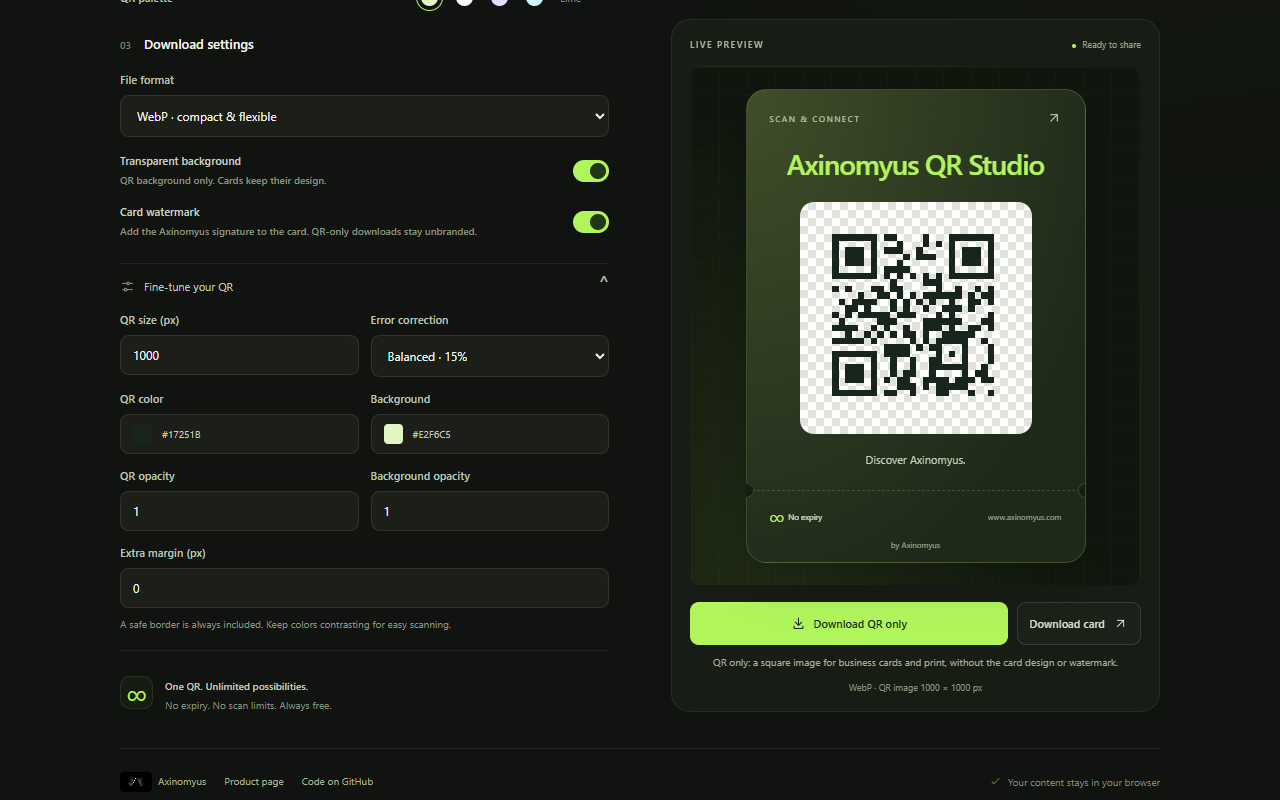
- Choose QR size from 256 to 2048 px; a larger QR expands its background when needed. Shrinking the 256–4096 px background sliders also adjusts QR size and necessary margins. Preview, displayed size and export agree.
- Press Enter in the card title to add a new line. Titles and slider values persist; Reset all restores defaults.
- The Axinomyus logo appears above the card watermark text; its toggle hides both. The app header uses the extension icon.
- Use Equal dimensions to resize width and height together. Turn it off to adjust them independently; this choice is also saved.
- Replace the Made to be shared/destination footer with your own text. Leave it empty for the automatic destination; custom text is saved locally.
- Choose custom colors for the title/accent, card labels, and message/footer to suit any card background.
- Automatic text colors remain available. Custom colors are saved locally, restored on reopening and applied to PNG, JPEG and WebP cards; Reset all restores automatic colors.
Four content types
- URL: a full HTTP or HTTPS website address.
- Text: a message or note, including Unicode characters and line breaks.
- Wi-Fi: network name, WPA/WPA2, WEP or an open network, password and hidden-network setting.
- Email: a draft with a recipient, optional subject and message.
Two download options
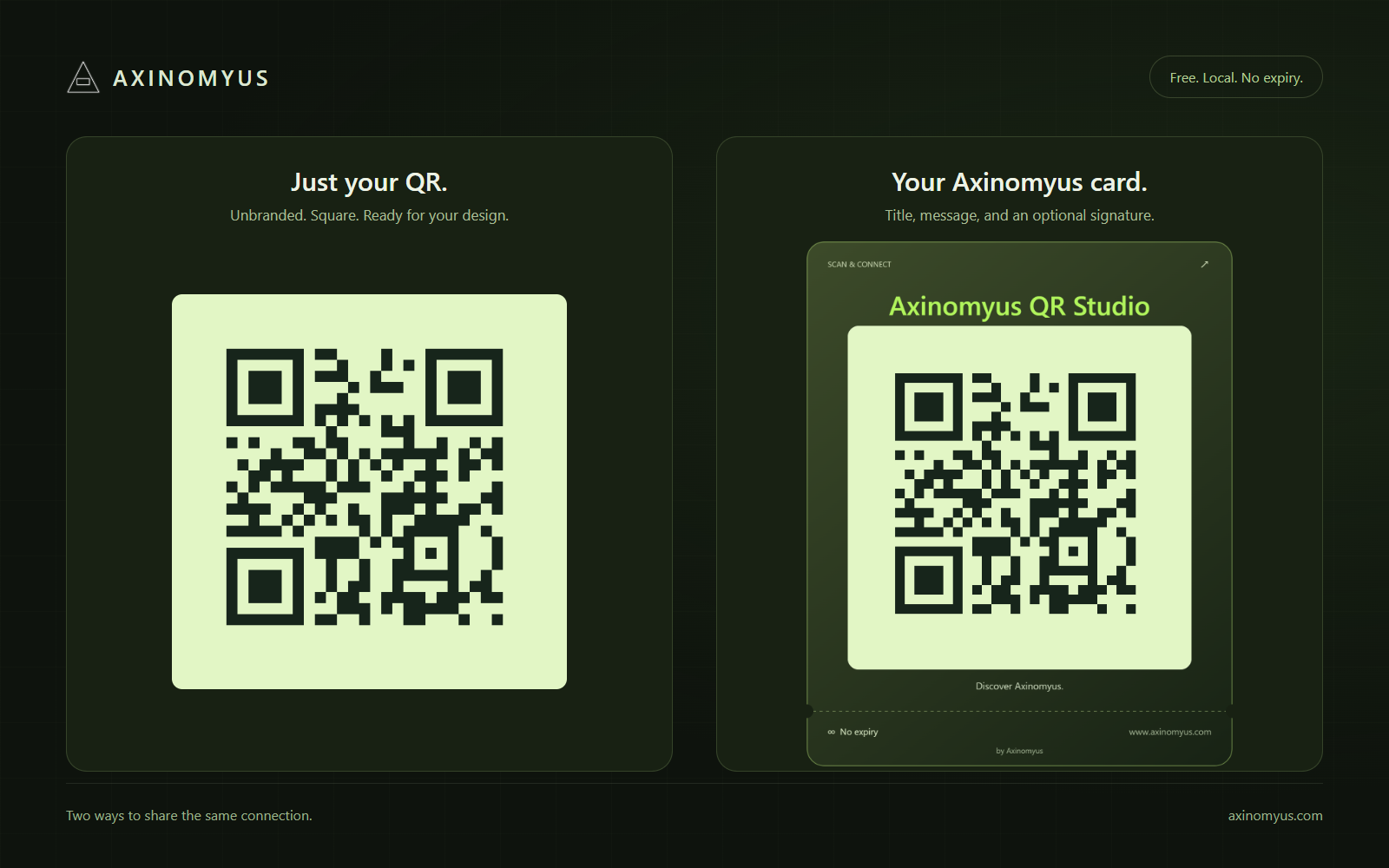
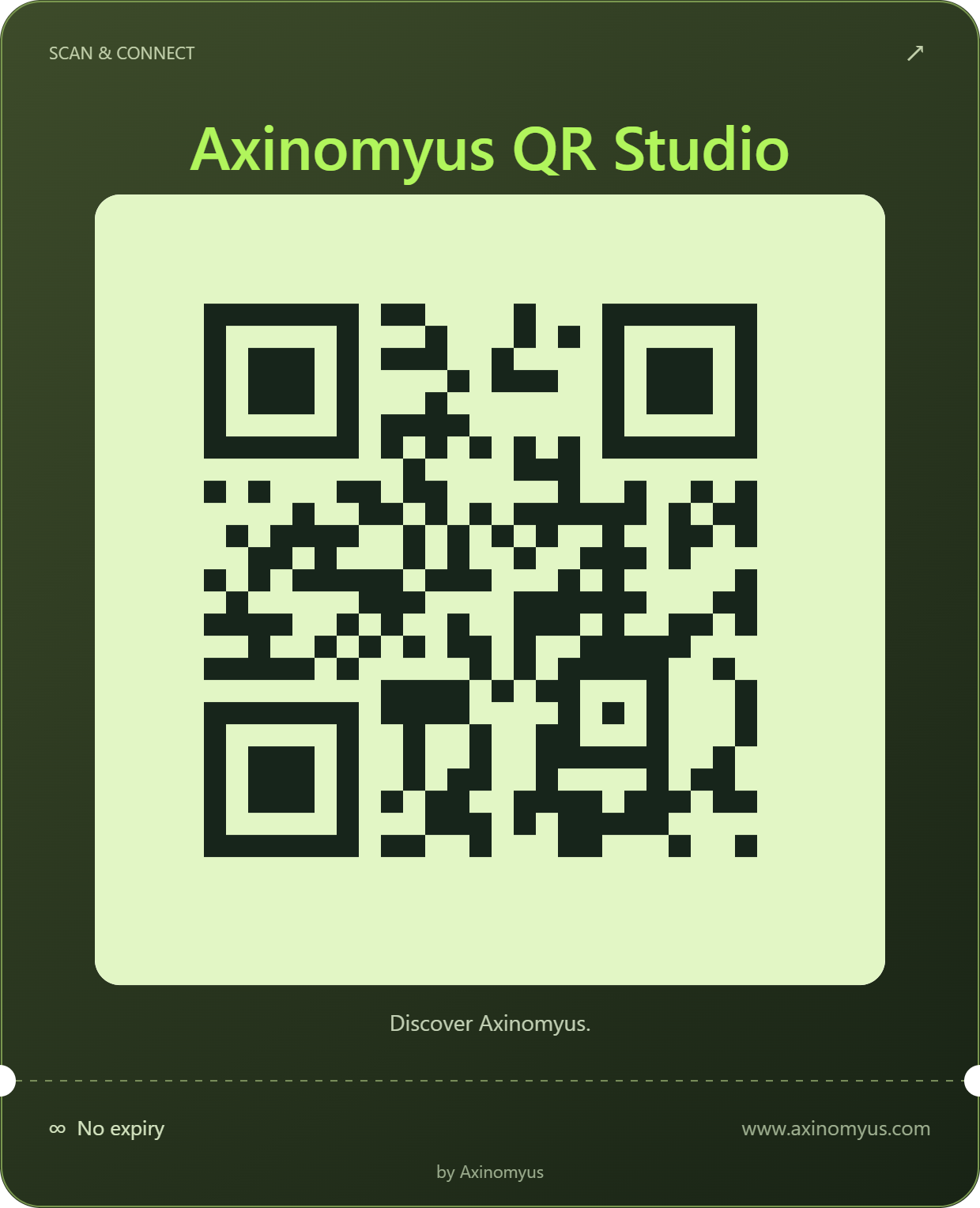
Download QR only creates a square image without the card design, title or watermark. Download card includes your custom design. PNG and WebP preserve card background transparency; JPEG composites it onto white. Adjust QR colors, error correction, extra margin and size from 256 to 2048 px.
Local processing, five languages
Interface available in Turkish, English, German, Ukrainian and Russian. Your language preference is remembered in the browser.
QR content and selected images are not sent to a server. Form contents, Wi-Fi details, images and design settings are saved on this device until Reset all clears them. The language preference is kept. Clipboard access only writes the QR image on request; the clipboard is never read. Static codes have no expiry or scan limit; linked destinations must remain available.
Get started
- Choose the content type and fill in its fields.
- Open Make it yours → Card background to select a style, colors or image, and opacity.
- Choose a file format and download the QR alone or the card. Scan your exported QR before printing.
Copy, save and continue where you left off
- Copy the QR image as PNG and paste it into applications that accept images.
- Download a true vector SVG with the QR colors, opacity and scanning margin.
- All content fields, the selected tab, design settings and card image return on reopening. Reset all deletes the saved workspace and restores defaults while keeping the interface language.
- A fresh workspace automatically imports the current HTTP/HTTPS tab. Saved content takes priority; Use current tab replaces the URL when needed.
Comments
Share your experience, ask a question, or read responses from the Axinomyus team.
There are no published comments yet. Be the first to share feedback.