Window controls within reach
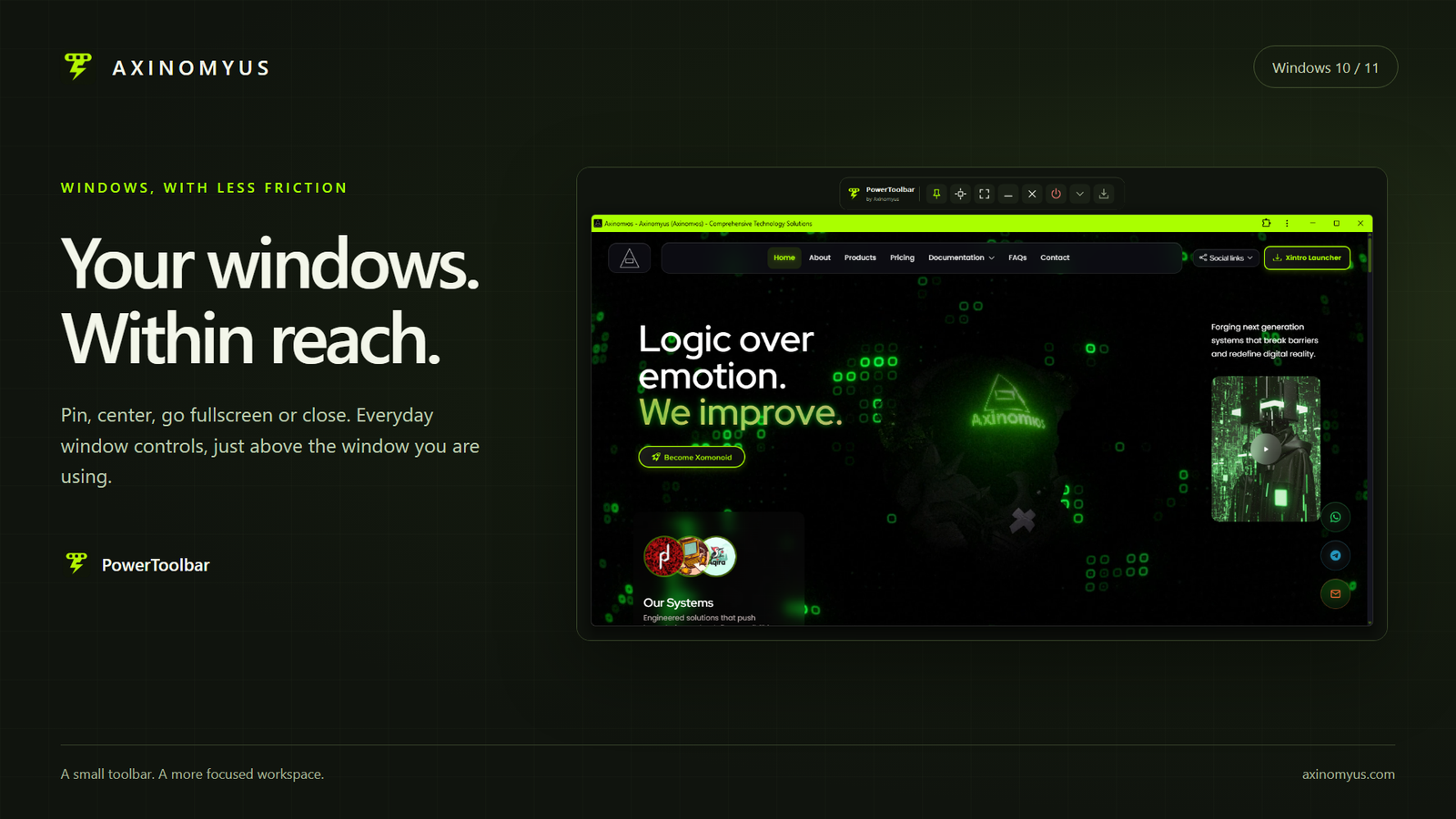
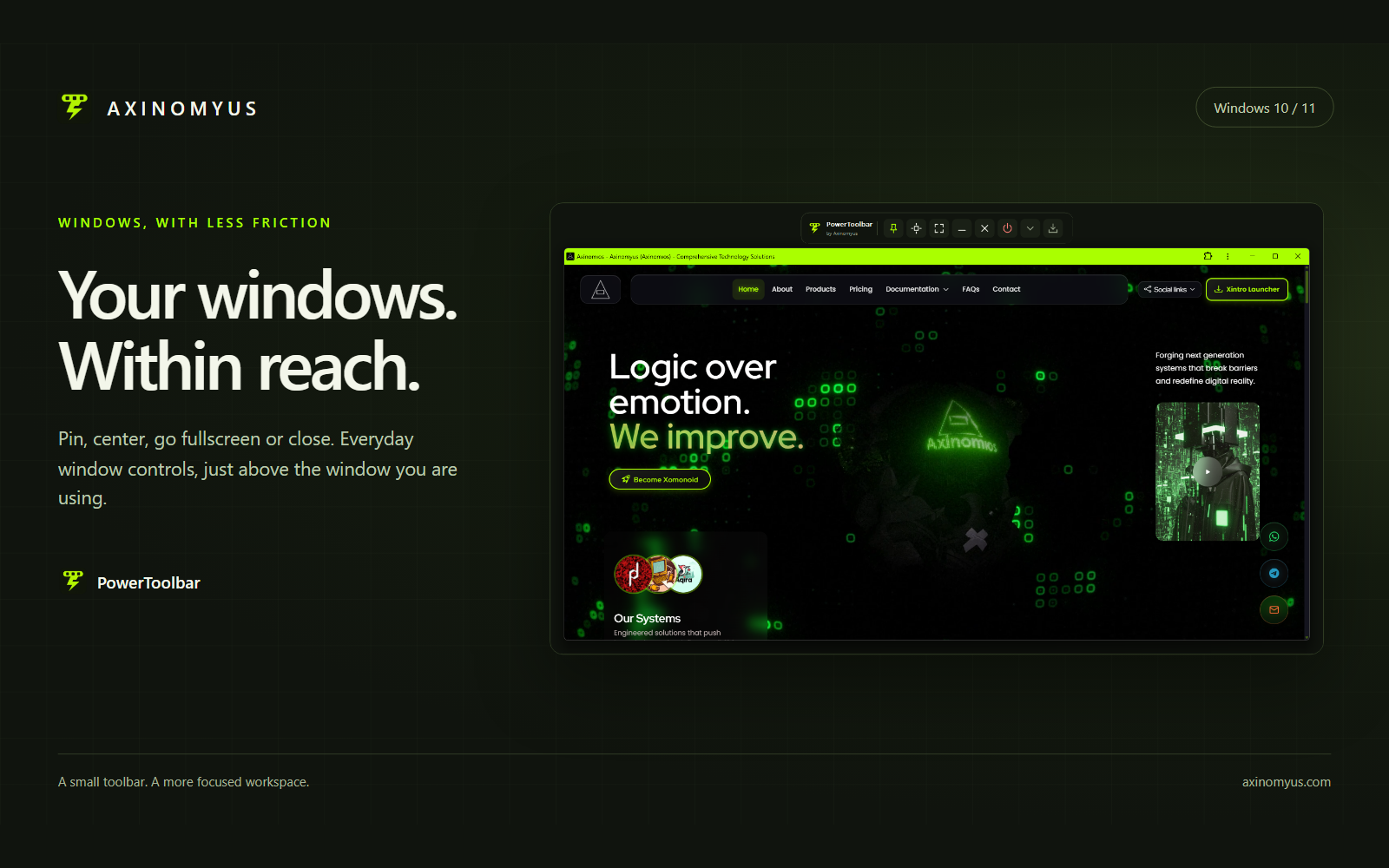
PowerToolbar is a configurable toolbar above your active Windows window. Keep a window on top, center it, enter fullscreen, minimize it or close it. Switch to compact mode for a smaller set of controls. The End app action restarts File Explorer: terminate its processes, then launch explorer.exe again. The Explorer tooltip and confirmation say Restart Windows Explorer. Folder windows close and the desktop and taskbar may briefly disappear during the restart.
Keep your workspace clear
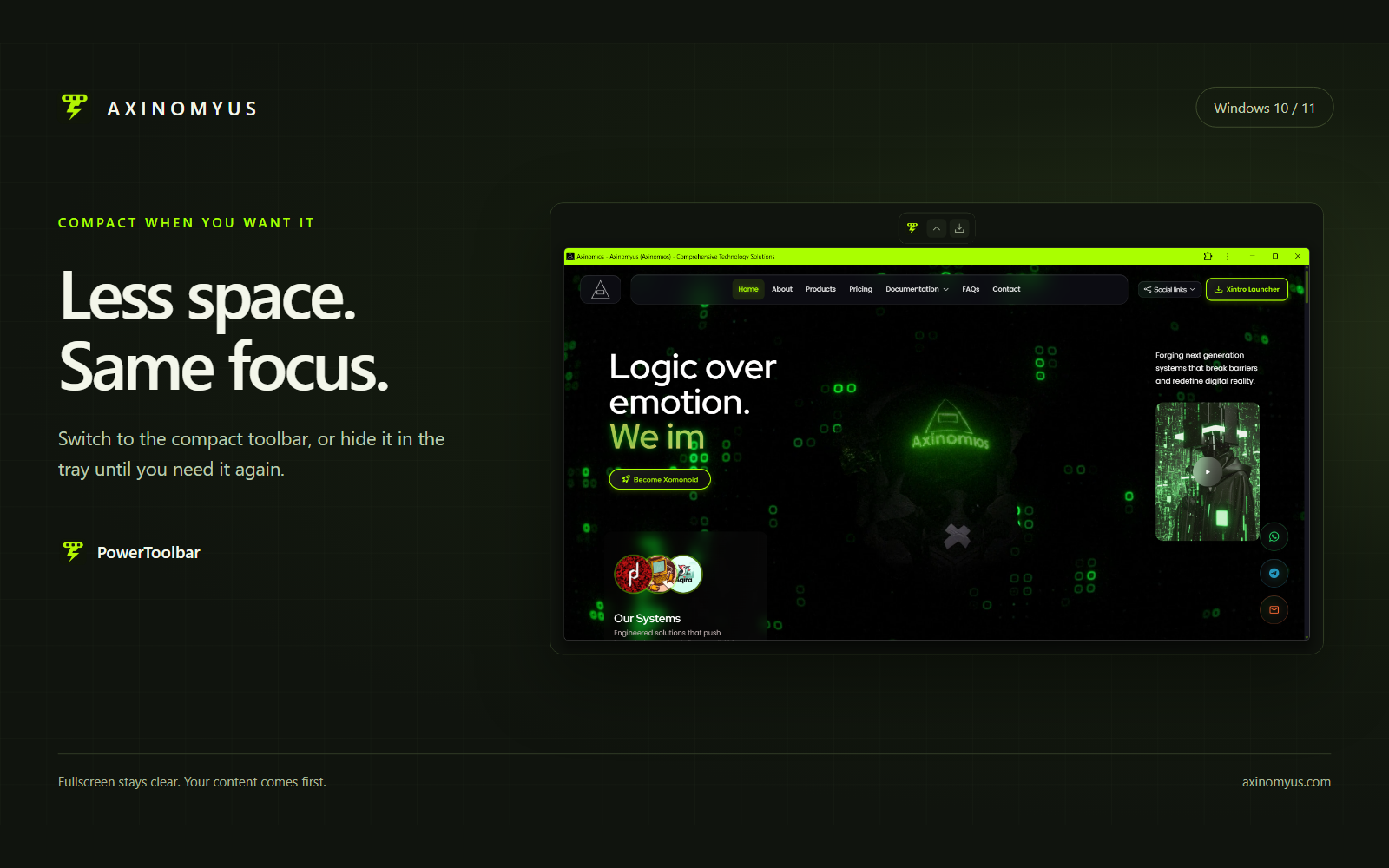
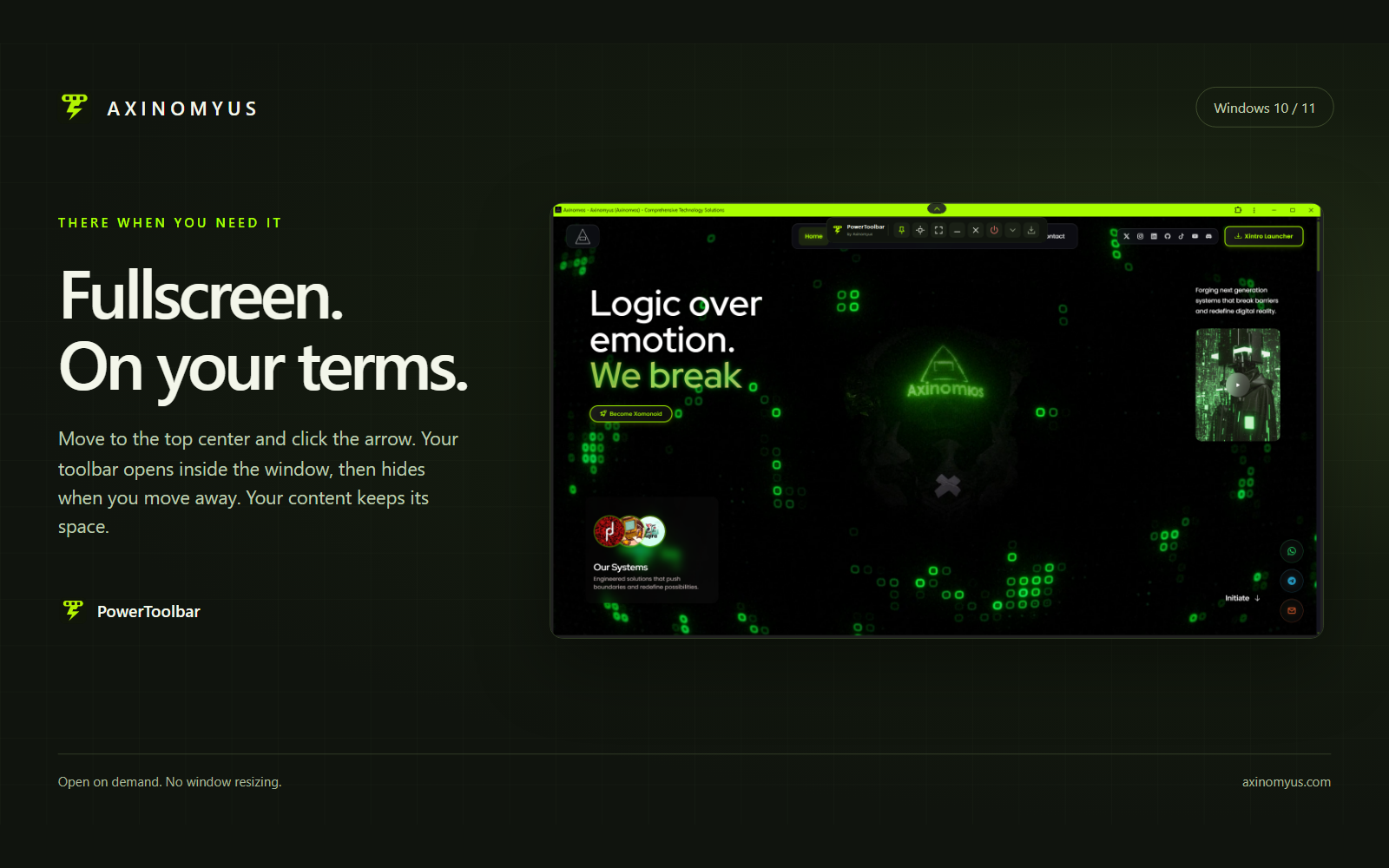
The toolbar starts hidden for maximized and fullscreen windows. Pause the pointer at the top center of the screen, then click the down arrow to open the controls temporarily. The window is never resized. Move the pointer away to hide the panel again.
Hiding the toolbar to the system tray with its rightmost button keeps it hidden when you switch windows. Restore it from the tray icon or by opening PowerToolbar again.
Make the layout yours
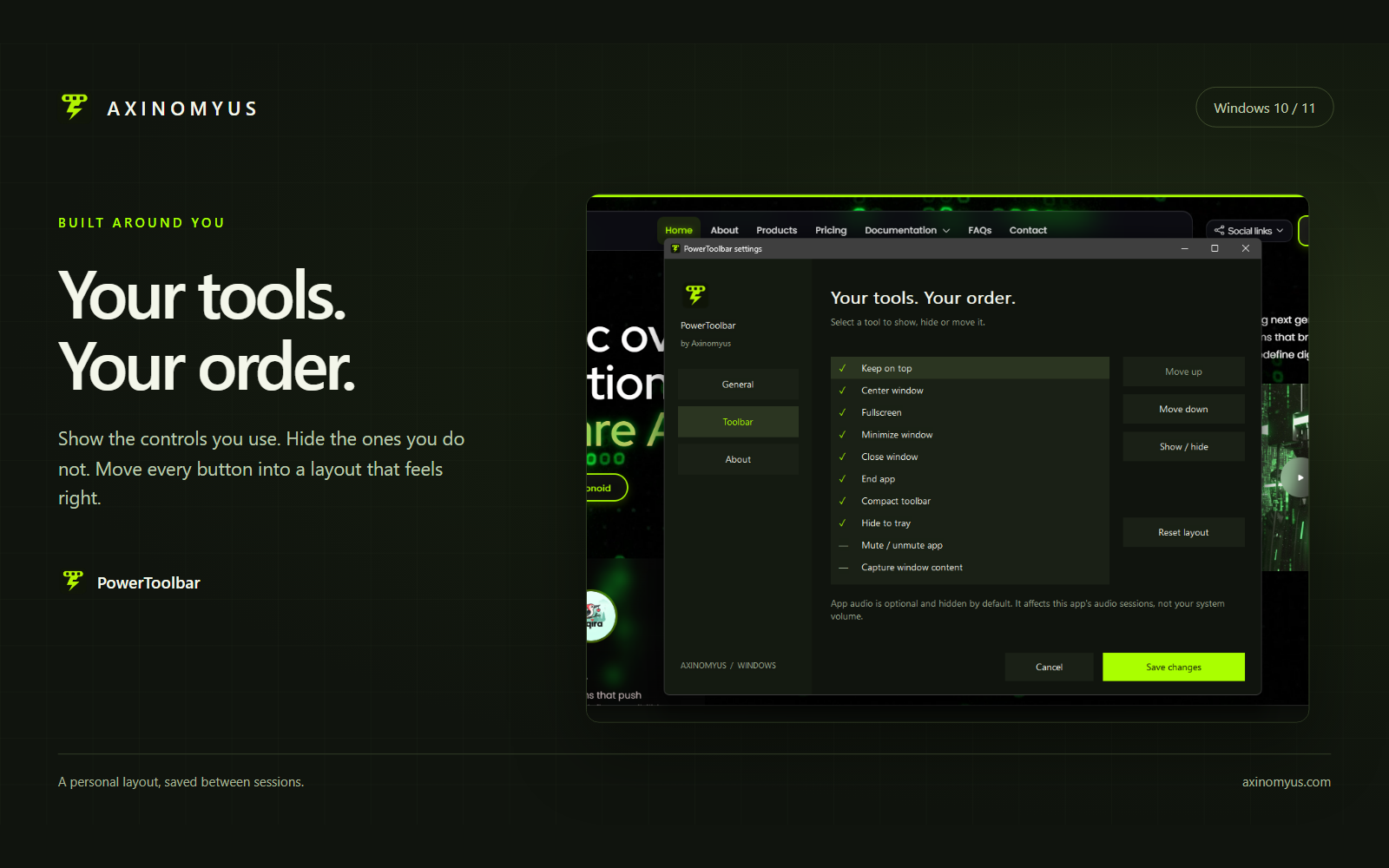
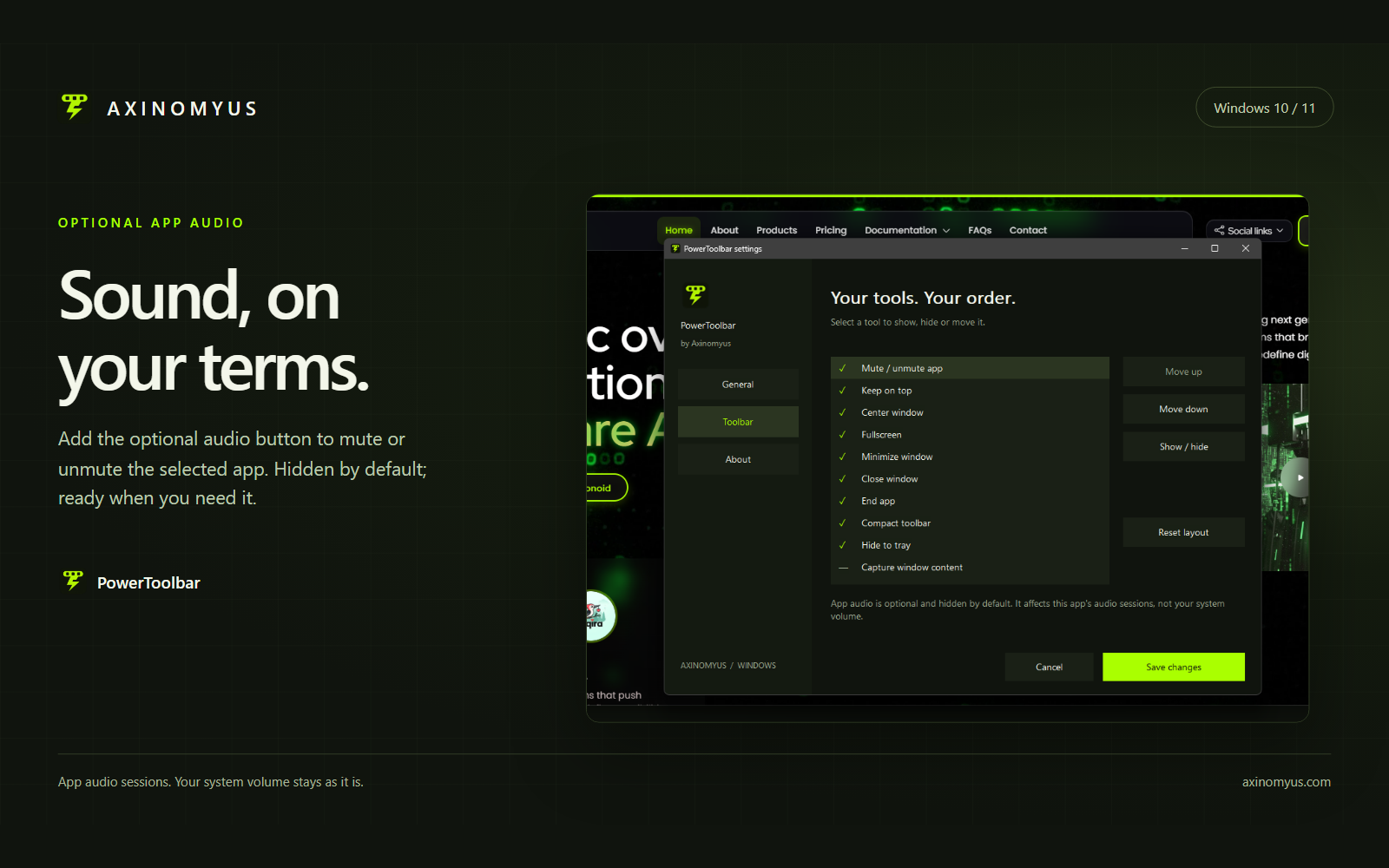
- Show, hide and reorder individual buttons; your preferences are kept for the next session.
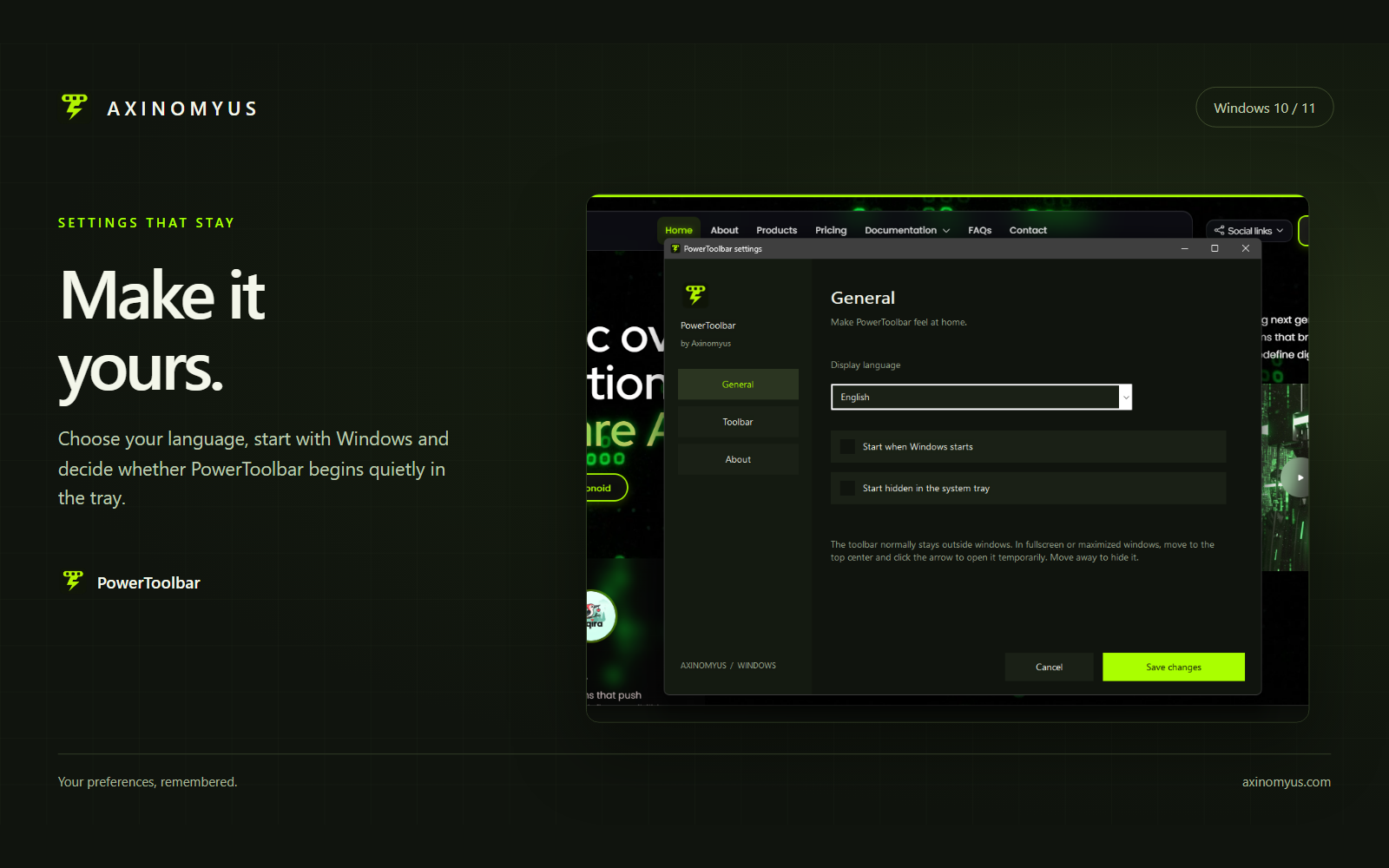
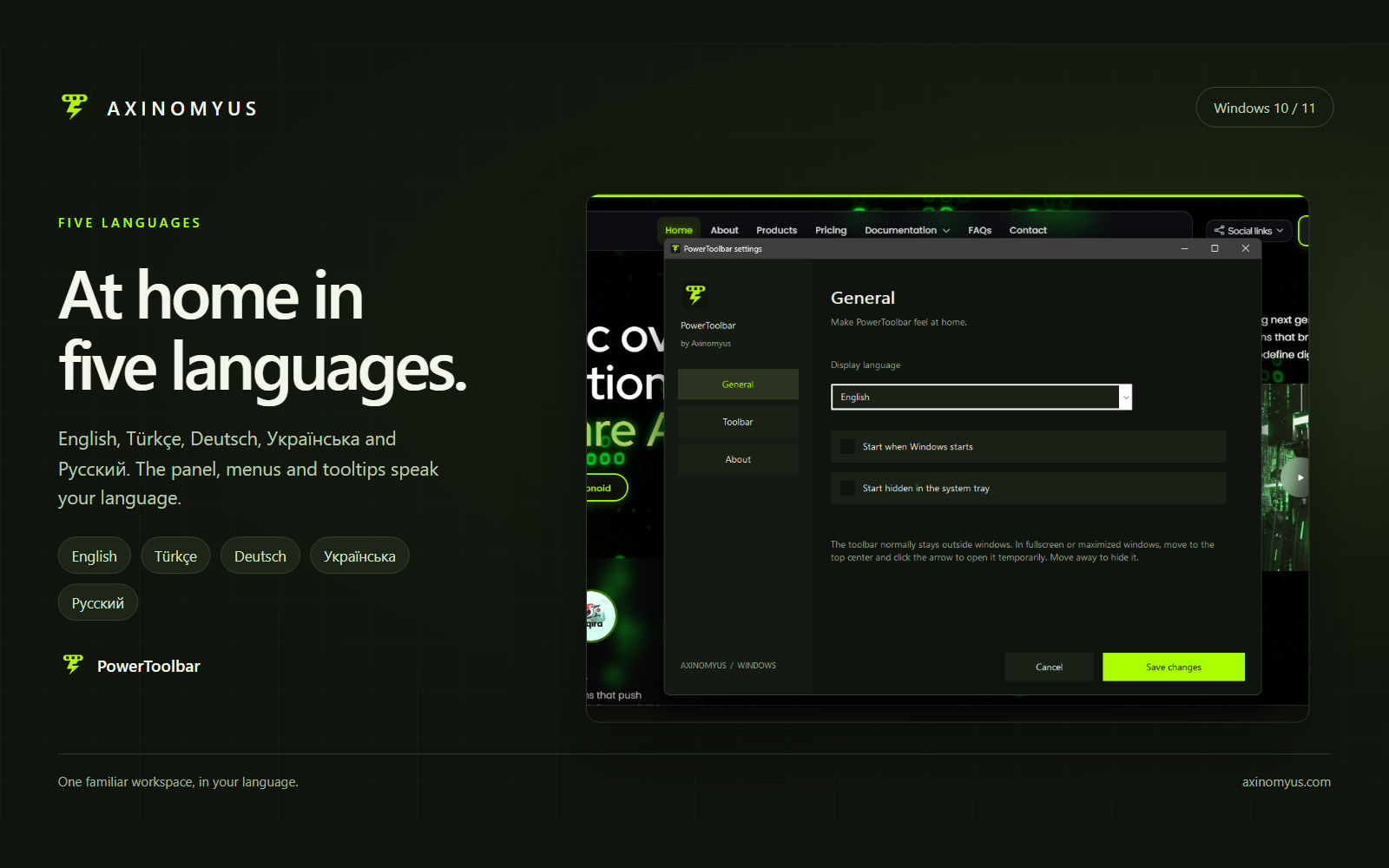
- Choose whether to start with Windows and whether to start hidden in the system tray.
- Add the optional app audio button. Its icon follows the selected application's actual mute state.
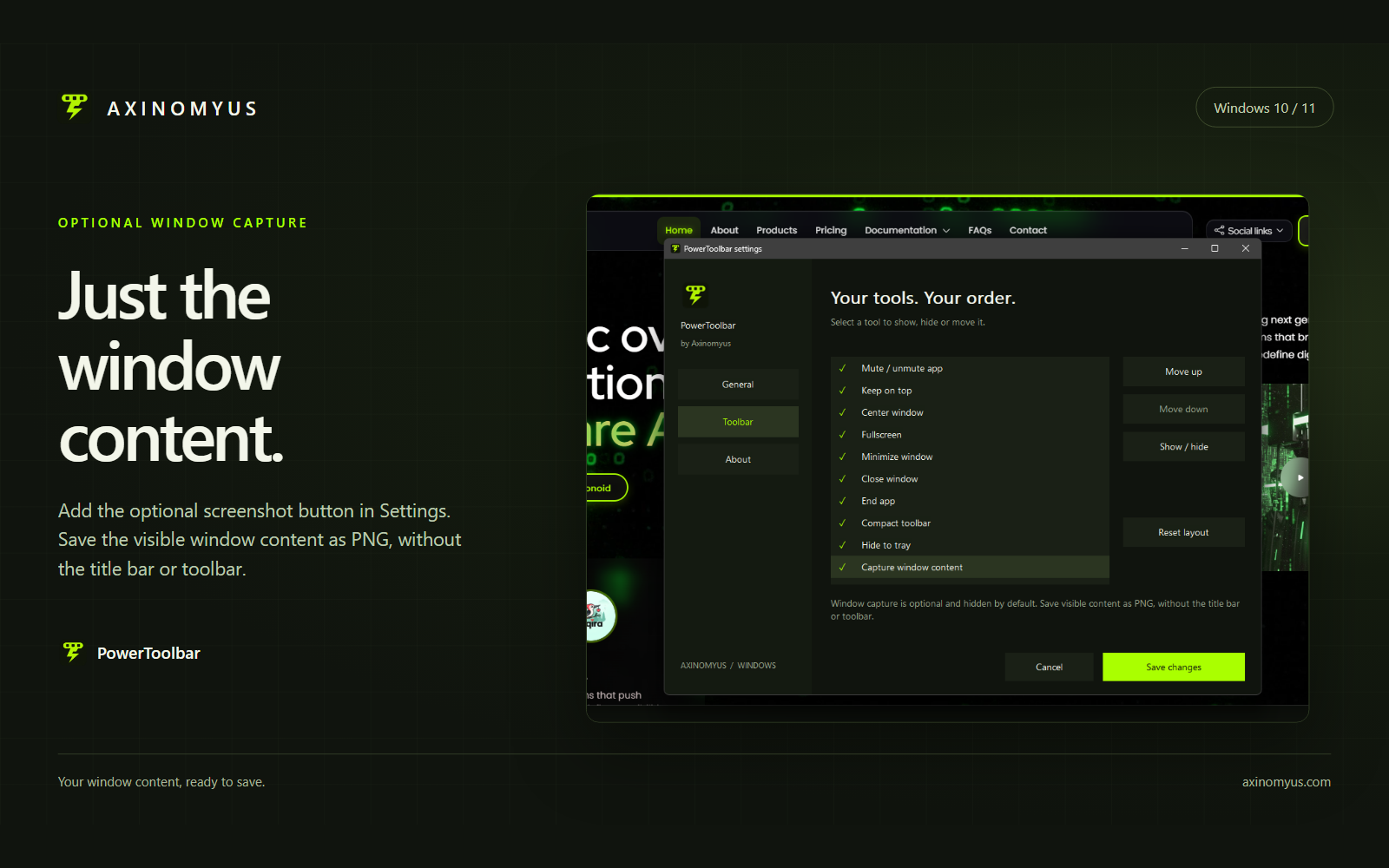
- Add the optional capture button and save visible window content as a PNG in a location you choose.
Five languages, one package
English, Turkish, German, Ukrainian and Russian are supported. Change the application language in Settings. The setup wizard includes the same five languages, with no separate language download.
Requirements and usage notes
Windows 10 version 1607 or later, or Windows 11; x64 package. PowerToolbar is open source under the MIT license. Using the app requires no account or internet connection; preferences stay on your device.
Audio and capture buttons are hidden by default. Audio control requires an app audio session; windows belonging to the same process share audio. PNG capture saves visible content: keep the entire window on screen and unobscured. Protected content may appear blank.
1.2.0 pre-release
The application and installer are unsigned; Windows may display an unknown-publisher or SmartScreen warning. Installation, upgrade and uninstall have not been validated, so this package is offered as a pre-release.

Comments
Share your experience, ask a question, or read responses from the Axinomyus team.
There are no published comments yet. Be the first to share feedback.